Login issues can be frustrating, especially when you want quick access to place a bet or withdraw winnings. If you are facing Sky247 login problems, this complete troubleshooting guide will help you resolve common errors safely and efficiently.
Before diving into solutions, if you are new to the platform, you may want to understand What is Sky247? and how the system works. If you haven’t created an account yet, follow the steps in How to Create a Sky247 ID in 5 Easy Steps.
Now, let’s solve the most common Sky247 login issues.
1. Incorrect Username or Password Error
One of the most common Sky247 login issues is entering the wrong credentials.
Why This Happens:
- Typing errors
- Incorrect password
- Caps Lock enabled
- Using an outdated saved password
How to Fix It:
- Re-enter your username and password carefully
- Disable Caps Lock
- Clear auto-filled passwords and type manually
- Use the password reset option on the Sky247 Login
If the issue continues, proceed with password recovery.
2. Forgot Password Problem
If you forgot your password, do not attempt multiple wrong logins as this may temporarily lock your account.
Steps to Reset Password:
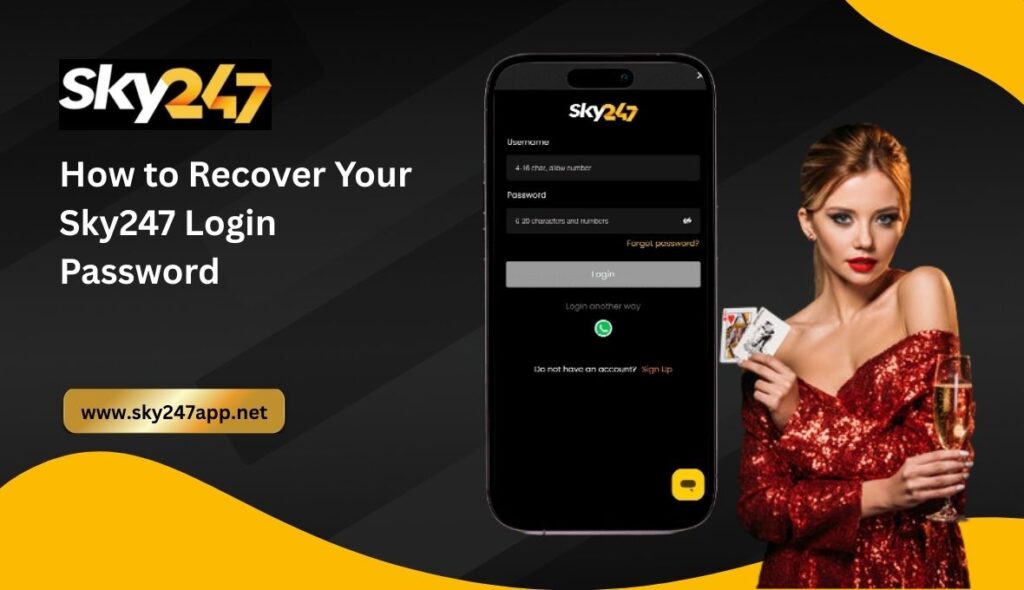
- Visit the Sky247 Login Page
- Click on “Forgot Password”
- Enter your registered mobile number
- Verify via OTP
- Set a new secure password
Make sure your new password is strong and unique.
3. OTP Not Received During Login
Many users report not receiving OTP during verification.
Possible Reasons:
- Weak network connection
- Incorrect registered number
- SMS delay
- Do Not Disturb (DND) settings
Solutions:
- Check mobile network signal
- Confirm you are using the registered number
- Wait 2–3 minutes and retry
- Restart your phone
If OTP issues persist, contact official support through the Sky247 Customer Support .
4. Sky247 Account Locked
Accounts may get temporarily locked for security reasons.
Common Causes:
- Multiple failed login attempts
- Suspicious activity detection
- Violation of platform terms
How to Unlock:
- Wait for the temporary lock period to expire
- Reset your password
- Contact support for manual review
Avoid creating duplicate accounts. If you don’t have an account yet, use the official Sky247 Signup instead.
5. Website or App Not Loading
Sometimes login problems are caused by technical issues rather than account errors.
Quick Fixes:
- Clear browser cache
- Switch to a different browser
- Update your browser version
- Restart your device
- Check internet connection
If using mobile, consider accessing through the official Sky247 App for smoother performance.
6. Verification Pending Issue
Some users cannot log in fully because verification is incomplete.
Verification may be required for:
- Account security
- Withdrawal processing
- Identity confirmation
If your verification is pending, follow instructions provided during registration or contact support for guidance.
7. Login Problems After Deposit or Withdrawal
If login issues appear after transactions, it may be due to security review.
Check transaction status on the Sky247 Payment Methods and ensure:
- Deposit confirmation is complete
- Withdrawal request is processed
- No suspicious transaction activity
Contact support if the issue continues.
8. Bonus Activation Login Issues
Some users face login issues while trying to claim promotional offers.
Before logging in for bonus activation, check the terms on the Sky247 Bonuses & Promotions to ensure:
- You meet eligibility criteria
- The promotion is still active
- You have completed required deposit
Login errors in such cases may be temporary or account-specific.
9. Browser Security or Device Restrictions
Security settings may block login access.
Try These Steps:
- Disable VPN temporarily
- Turn off ad-blockers
- Enable cookies
- Use private/incognito mode
Ensure you are accessing the official platform.
10. When to Contact Sky247 Support
If none of the troubleshooting steps work, contact support immediately via the Sky247 Customer Support .
Provide:
- Registered mobile number
- Screenshot of error (if possible)
- Brief explanation of the issue
Avoid sharing your password with anyone.
Prevent Future Sky247 Login Problems
To avoid future login issues:
- Save credentials securely
- Use a strong password
- Do not share login details
- Avoid repeated failed attempts
- Keep your mobile number updated
Also, follow responsible usage guidelines mentioned on the Sky247 Responsible Gaming to maintain smooth account access.
Frequently Asked Questions
Why is my Sky247 login not working?
It may be due to incorrect credentials, OTP delay, or temporary account lock.
How long does account lock last?
Temporary locks usually resolve automatically, but support can assist if needed.
Can I log in from multiple devices?
Yes, but suspicious activity may trigger security checks.
Is Sky247 login safe?
Yes, the platform uses secure systems to protect user data.
Final Thoughts
Sky247 login problems are usually minor and can be resolved quickly by:
- Resetting your password
- Verifying OTP
- Clearing browser cache
- Contacting support
Most issues are security-related and designed to protect your account.
If you are still facing login issues, visit the Login Page again or contact official support for immediate help.